
Сүрөттөө
Bulk Meta Fields Update is a secure WordPress plugin that allows administrators to import or update custom meta fields in bulk via CSV upload. Perfect for content managers, developers, and SEO experts who need to manage metadata across multiple posts efficiently.
Key Features
- Bulk Meta Updates – Update hundreds of posts at once via CSV upload
- Flexible Identification – Use either Post URLs or Post IDs to identify posts
- Custom Post Type Support – Works with all public custom post types
- Security First – Built with WordPress security best practices including nonce verification
- Detailed Logging – Tracks all changes with username and timestamp
- Easy to Use – Simple admin interface under Tools menu
- Sample CSV Included – Download a sample file to get started quickly
Use Cases
- Add SEO meta fields to multiple posts
- Update custom fields for WooCommerce products
- Import metadata from external systems
- Batch update ACF (Advanced Custom Fields) values
- Manage post metadata for custom post types
CSV Format
Your CSV file should have 2 columns (no headers needed):
Column 1: Post URL or Post ID
Column 2: Meta field value
Example using URLs:
https://example.com/sample-post,Value A
https://example.com/another-post,Value B
Example using IDs:
123,Value A
456,Value B
Security Features
- Capability checks – Only administrators can use this tool
- Nonce verification – Protects against CSRF attacks
- File type validation – Only CSV files are accepted
- File size limits – Maximum 2MB upload size
- Input sanitization – All data is properly sanitized
- Protected logs – Log files are secured with .htaccess
Logging
Every CSV upload is logged with:
* WordPress username
* Post ID
* Meta key
* Meta value
* Timestamp
Logs are stored securely in /wp-content/plugins/bulk-meta-fields-update/logs/upload-log.csv
Support
For support, feature requests, or bug reports, please visit the plugin’s support forum on WordPress.org.
Privacy Policy
This plugin does not collect, store, or transmit any user data outside of your WordPress installation. All logs are stored locally on your server.
Скриншоттор
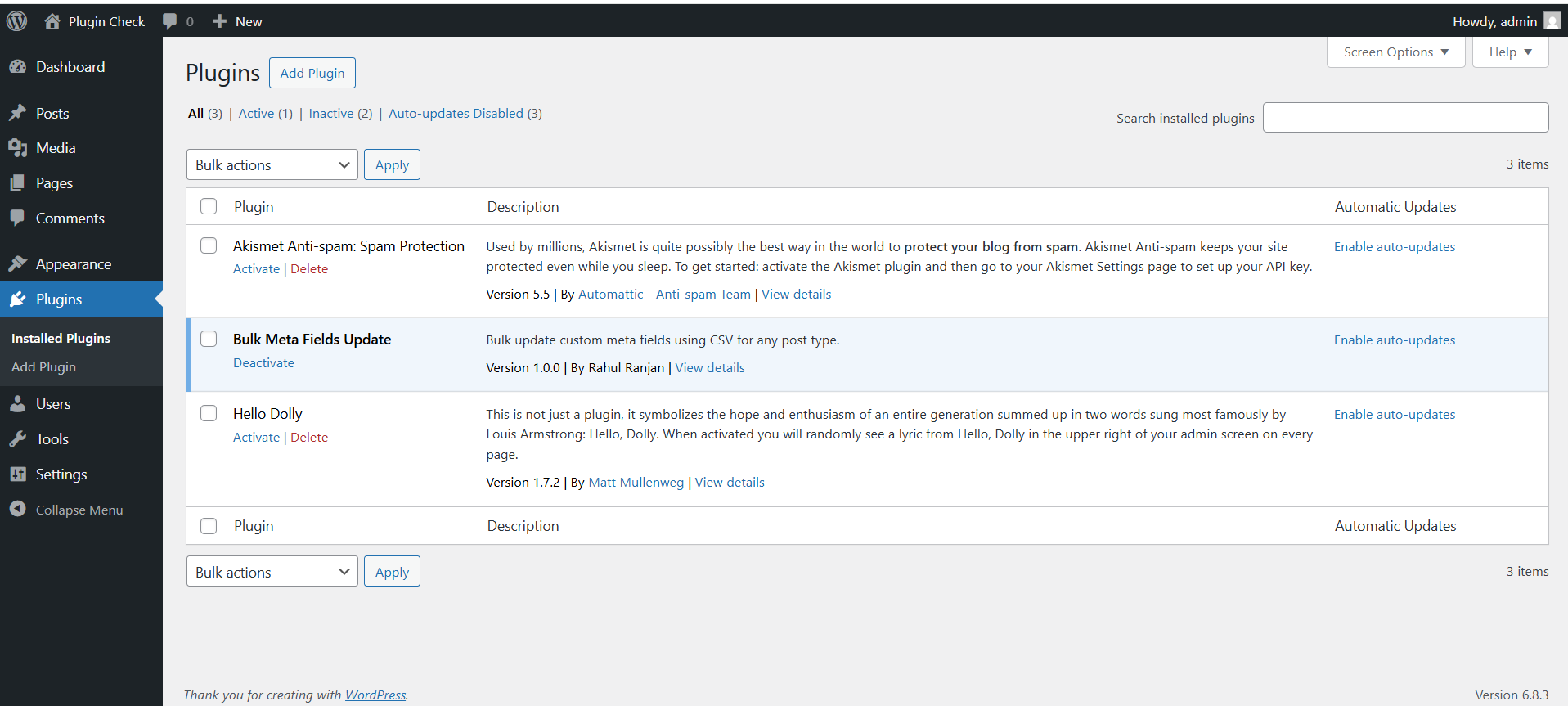
Admin interface with post type selection, meta key input, and CSV uploader 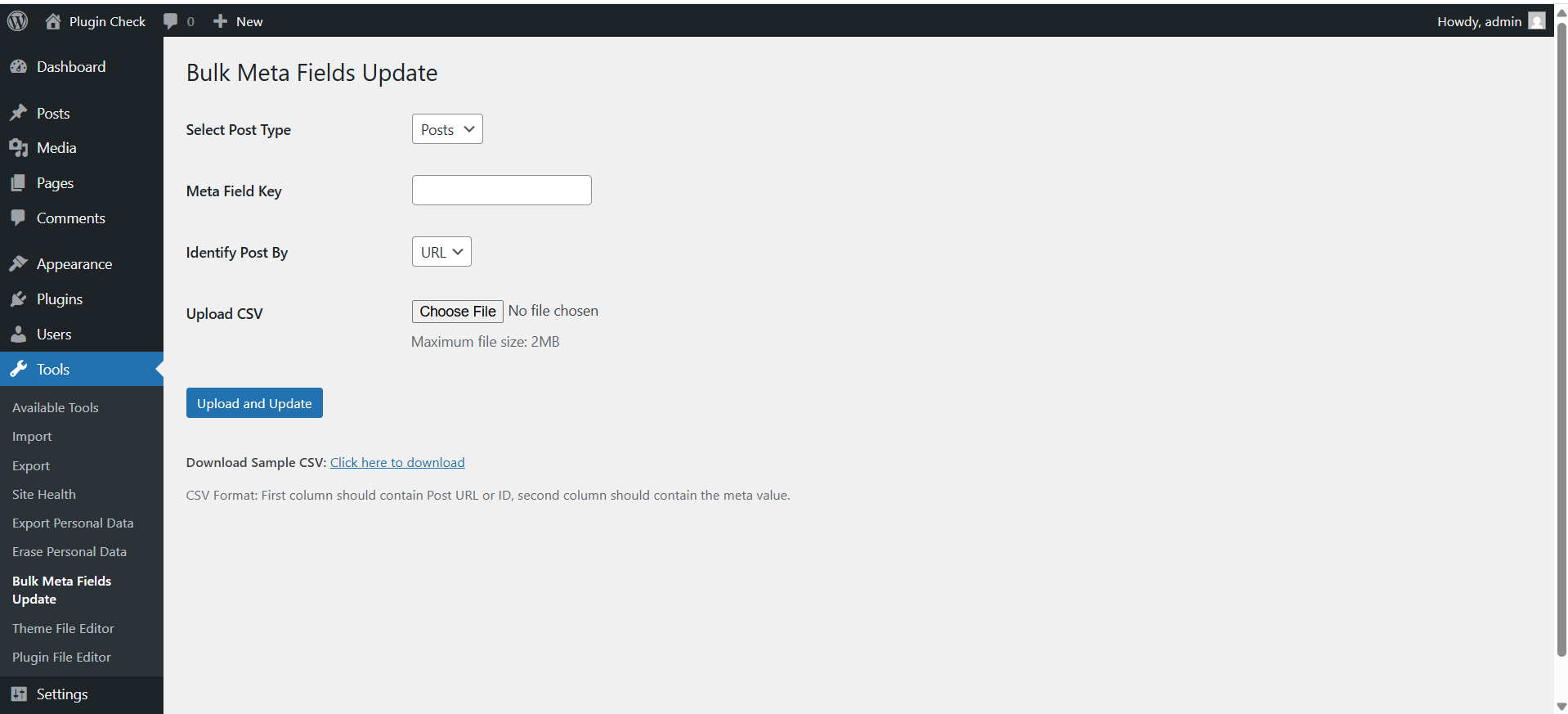
Success message showing number of posts updated
Орнотуу
- Upload the plugin files to
/wp-content/plugins/bulk-meta-fields-update/or install via the WordPress plugin installer - Activate the plugin through the ‘Plugins’ menu in WordPress
- Navigate to Tools > Bulk Meta Fields Update
- Select your post type, enter the meta field key, and upload your CSV file
FAQ.KG
-
Can I use this with custom post types?
-
Yes! The plugin works with all public custom post types, including WooCommerce products, portfolio items, events, and more. Only the Media/Attachment post type is excluded.
-
What if the meta field doesn’t exist yet?
-
The plugin will create the meta field automatically when you upload your CSV.
-
Will existing meta values be overwritten?
-
Yes. If a post already has a value for the specified meta key, it will be updated with the new value from your CSV.
-
What’s the maximum file size for CSV uploads?
-
The plugin limits CSV files to 2MB. For larger datasets, split your CSV into multiple smaller files.
-
Can I undo changes after uploading?
-
The plugin doesn’t have a built-in undo feature, but all changes are logged. We recommend backing up your database before performing bulk updates.
-
Where are the logs stored?
-
Logs are stored in
/wp-content/plugins/bulk-meta-fields-update/logs/upload-log.csvand are protected from direct access via .htaccess. -
Does this work with ACF (Advanced Custom Fields)?
-
Yes! ACF stores field values as post meta, so you can update ACF fields using their meta key names.
-
What happens if a post URL or ID in my CSV doesn’t exist?
-
The plugin will skip that row and display an error message after processing. Valid rows will still be processed.
-
Can regular users (non-admins) use this plugin?
-
No. Only users with the ‘manage_options’ capability (typically administrators) can access this tool.
Сын-пикирлер
There are no reviews for this plugin.
Contributors & Developers
“Bulk Meta Fields Update” is open source software. The following people have contributed to this plugin.
Мүчөлөрү
Translate “Bulk Meta Fields Update” into your language.
Interested in development?
Browse the code, check out the SVN repository, or subscribe to the development log by RSS.
Өзгөртүүлөр
1.0.0
- Initial release
- CSV upload and bulk meta field updates
- Support for post URLs and IDs
- Security features including nonce verification and capability checks
- Comprehensive logging system
- File validation and sanitization
- Error reporting
- Sample CSV download