

Сүрөттөө
FenceAI Fence Quote Calculator puts your FenceAI quote tool on a WordPress site.
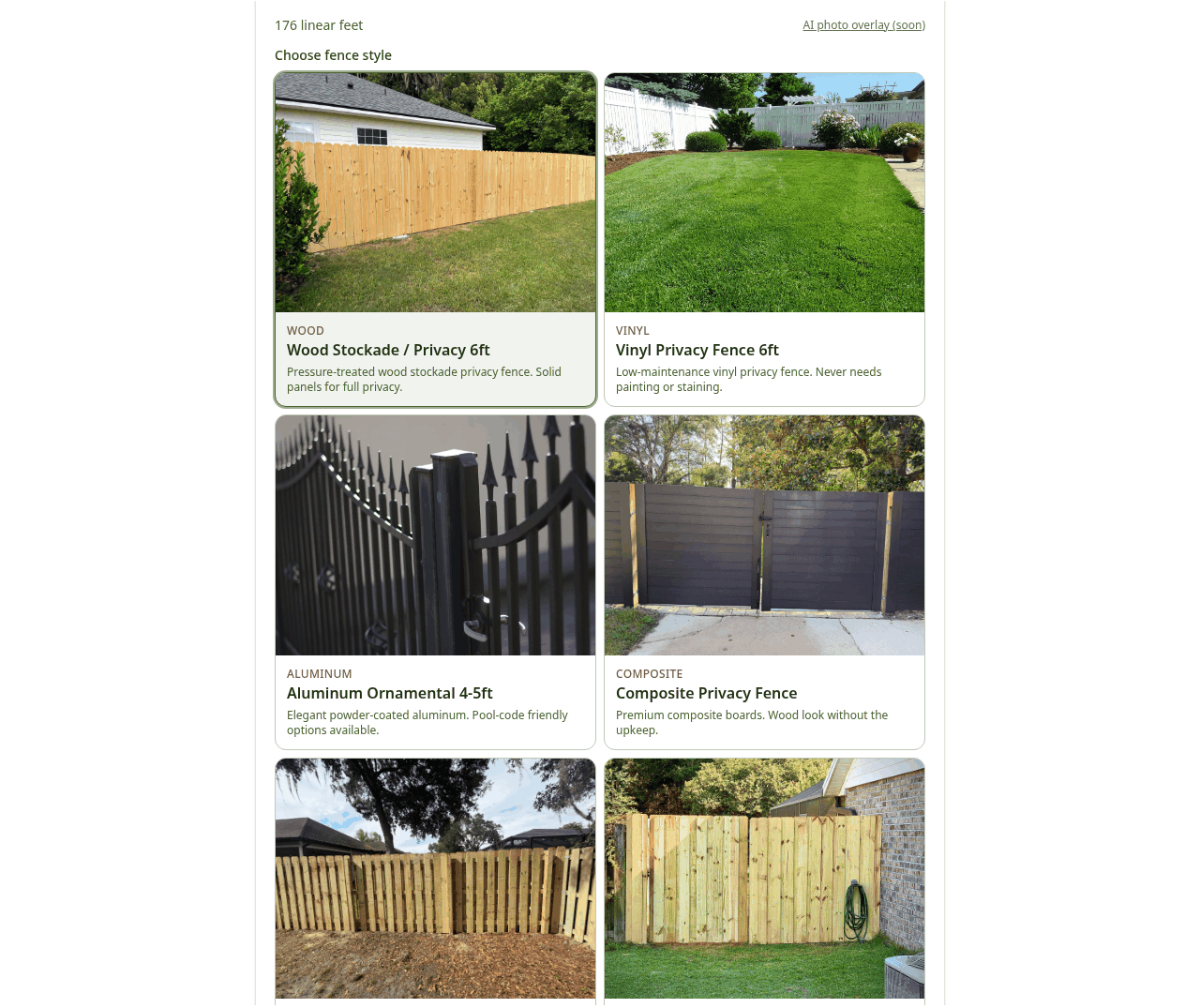
Homeowners draw their fence on a satellite map, pick a style, and send you the lead. The lead shows up in your FenceAI admin. This plugin does not store customer details.
A FenceAI account is required. Start at https://fenceai.app if you do not have one.
Connect
- Open Settings FenceAI and enter your shop ID (the slug, for example gainesville-backyards).
- Click Check connection. A recognized shop shows Connected and the shop name.
- In the FenceAI shop admin, open Settings and add this website under Allowed websites. A new shop has none until you add one. Until you do, the quote tool cannot be framed on this site.
- Add the Fence Quote block to a page, or use the shortcode [fenceai_quote].
The frame grows and shrinks with the quote tool, so the page does not keep a fixed scroll box.
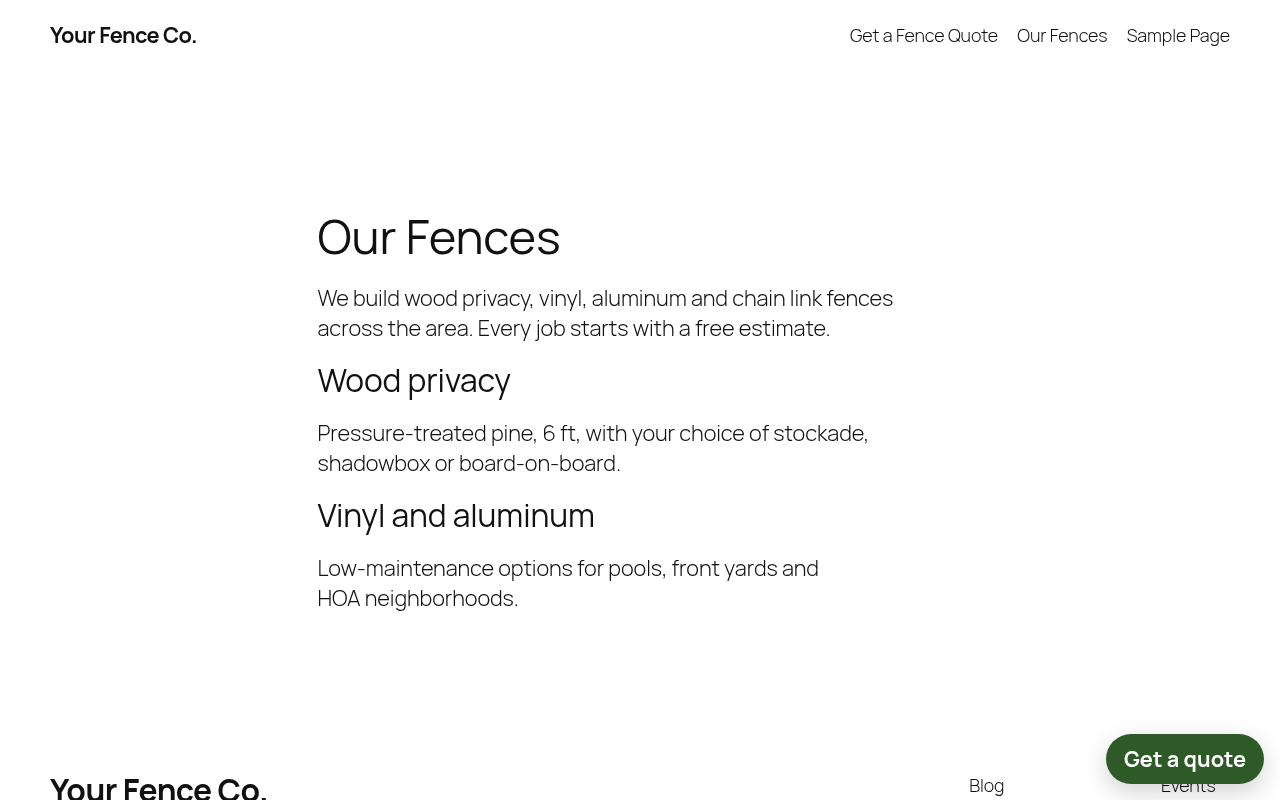
An optional floating “Get a quote” button can open the tool in a pop-up. It is off until you turn it on under Settings FenceAI.
Crew accounts can add an AI voice agent that answers calls missed while the crew is out on jobs. That agent is part of FenceAI, not this plugin.
There is no tracking pixel in this plugin. It does not contact FenceAI until a shop ID is entered.
FENCEAI LLC
9200 NW 39th Ave, Ste 130 – 3224
Gainesville, FL 32606
(229) 466-5045
https://fenceai.app
External services
This plugin connects to FenceAI, a hosted quote tool operated by FENCEAI LLC.
The production host is https://fence-ai-vdg2.vercel.app.
The plugin does not contact that host until a site administrator enters a shop ID.
-
Connection check: when an administrator clicks “Check connection” on Settings FenceAI, the plugin requests GET https://fence-ai-vdg2.vercel.app/api/public/tenant/{shop-id}. The shop ID is the only value sent. The response used by the plugin is whether the ID was recognized and the shop name. No homeowner data is sent.
-
Quote tool: after a shop ID is saved, a page with the Fence Quote block, the [fenceai_quote] shortcode, or the optional floating button (after the visitor opens it) loads https://fence-ai-vdg2.vercel.app/embed?tenant={shop-id} in an iframe. FenceAI serves the quote tool from that host. If the homeowner uses the tool, the address they search, the fence drawing, the style they pick, and the contact details they submit are sent to FenceAI and stored for that shop. This plugin does not store those details.
The plugin does not load scripts from FenceAI. The iframe resize listener is included in the plugin.
Terms: https://fenceai.app/terms
Privacy: https://fenceai.app/privacy
Скриншоттор


Блоктор
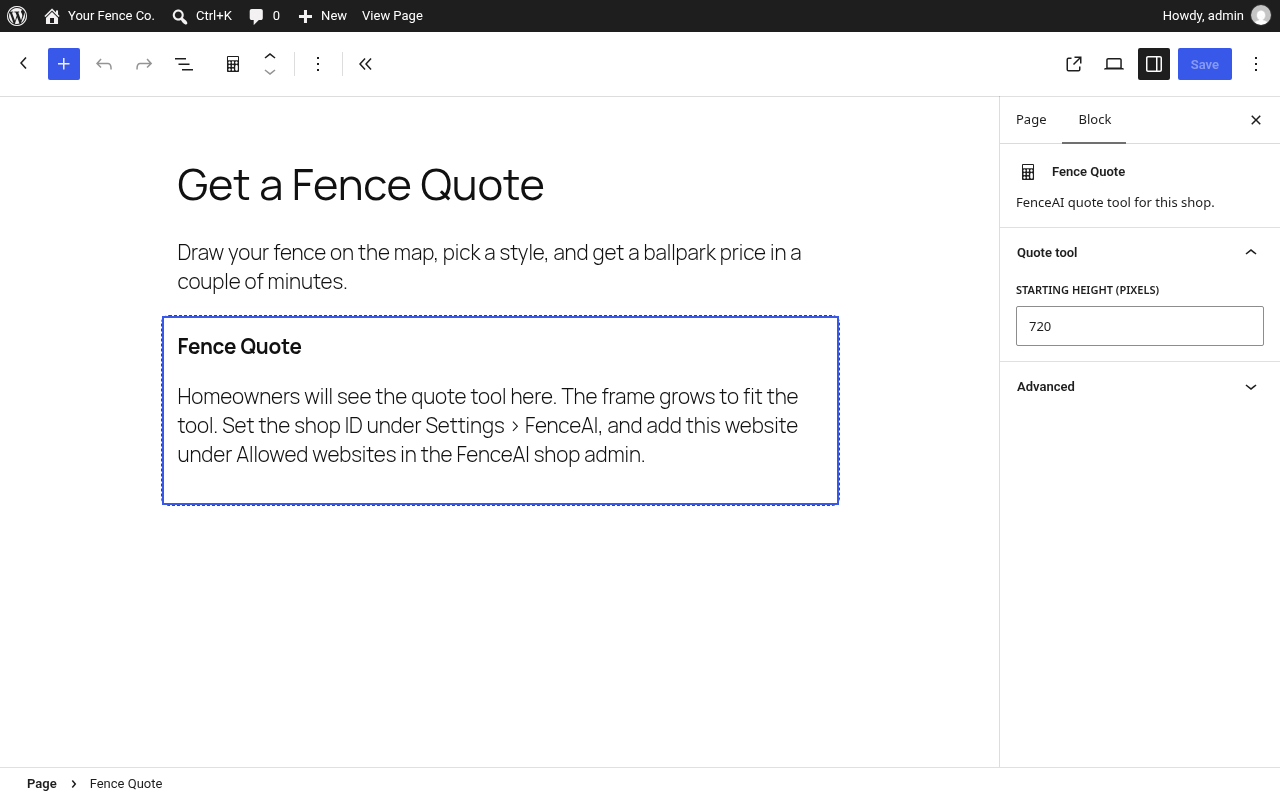
This plugin provides 1 block.
- Fence Quote FenceAI quote tool for this shop.
Орнотуу
- Install the plugin from the WordPress.org directory, or upload the zip under Plugins Add New Upload Plugin.
- Activate FenceAI Fence Quote Calculator.
- Open Settings FenceAI and enter your shop ID.
- Click Check connection.
- In the FenceAI shop admin, add this website under Allowed websites. A new shop has none until you add one.
- Add the Fence Quote block, or place [fenceai_quote] in a page. Optional: [fenceai_quote height=”640″] sets the starting height in pixels. The frame then resizes to the tool.
The block editor script is plain JavaScript. Source and build steps are in src/block/README.md inside the plugin.
FAQ.KG
-
Does this plugin store homeowner details?
-
No. The address, drawing, and contact details are submitted to FenceAI when someone uses the quote tool. Leads stay in your FenceAI admin. The plugin stores only the shop ID and the display settings on this site.
-
The quote box is blank.
-
Add this website under Allowed websites in the FenceAI shop admin. A new shop has none until you add one. Also confirm the shop ID under Settings FenceAI matches the slug in FenceAI.
-
Do I need a FenceAI account?
-
Yes. Start at https://fenceai.app.
-
Can I use a shortcode?
-
Yes. [fenceai_quote] places the tool. [fenceai_quote height=”640″] sets the starting height.
-
Settings FenceAI. The button is off until you turn it on. You can change its text there.
-
Does the plugin add a FenceAI link on my site?
-
Only if you turn on “Show a Quotes by FenceAI link” under Settings FenceAI. That switch is off by default.
Сын-пикирлер
There are no reviews for this plugin.
Contributors & Developers
“FenceAI Fence Quote Calculator” is open source software. The following people have contributed to this plugin.
Мүчөлөрү
Translate “FenceAI Fence Quote Calculator” into your language.
Interested in development?
Browse the code, check out the SVN repository, or subscribe to the development log by RSS.
Өзгөртүүлөр
1.0.1
- Saving Settings FenceAI shows the confirmation once.
1.0.0
- First release. Fence Quote block, [fenceai_quote] shortcode, optional floating button, and shop connection check.